Reports
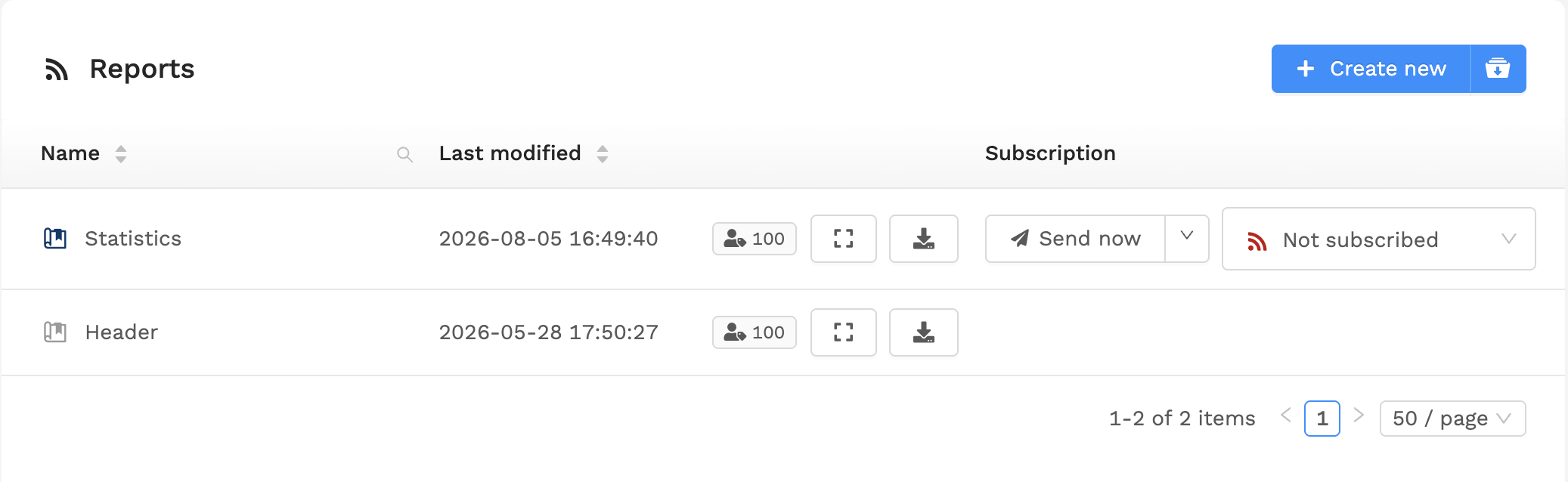
The Reports feature allows users to view and/or subscribe to reports. Reports are configured by site administrators and are essentially templates used to generate real-time documents on demand, containing data related to the current state of the system. These documents can be reports, manuals, and all other forms of information on the network topology and its devices, including maps, attachments, configuration and many more features.
Viewing reports
Warning
The Reports screen is only accessible if at least one report is enabled that you can subscribe to.
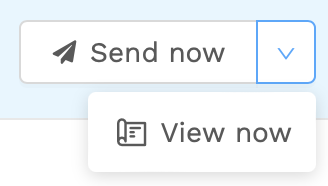
When viewing the Reports screen, you will see a list of all available reports. To view a report, click its name in the list, the "Fullscreen" icon or select the "View" option from the dropdown menu to open it in a new tab.
Report subscription
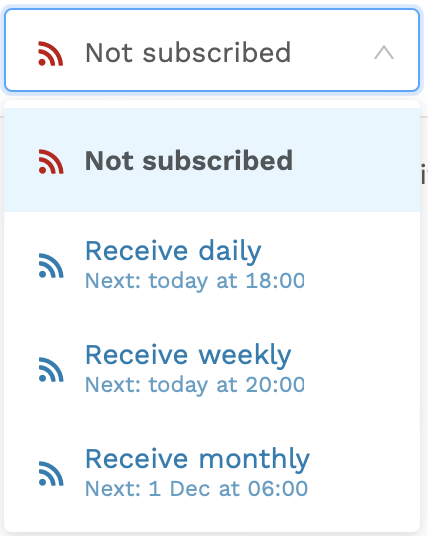
Reports can be subscribed to by clicking the "Subscribe" button on the right side of the list. When subscribed, users will receive an up-to-date automatically generated PDF document of the report on a regular basis.
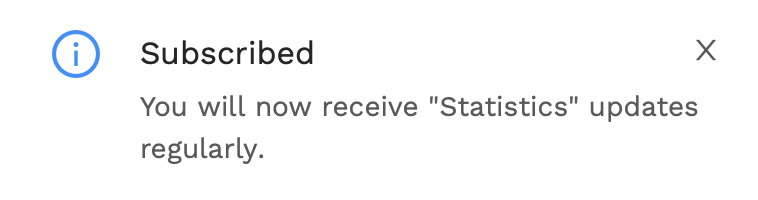
You should now see a notification that you have successfully subscribed to the report: